By Fredrik Brattstig @virtualbrat
22nd December 2023 – two days before Christmas 2023, though demonstrating technology that has been part of the success story of IGEL OS for so many years. IGEL OS is a write protected operating system. What does a “write protected operating system” mean in reality?
On a high-level explanation it means that the computers operating system is stored on a local disk. When starting the system, the operating loads into RAM memory, and any changes that needs to be done will happen in memory. When the machine running IGEL OS restarts, the operating system will revert to the state that is stored on disk. There are multiple benefits us using a read only operating system. First of all, the system is predictable, and it will function the way it is designed to, on every start up! Second, if any rouge code would find its way into the operating system, any trace of the rough code will vanish when the system is rebooted. as of the nature how the RAM memory works. RAM memory is very fast Random Access Memory, and it ONLY keeps its data until it loses electric power.
So, combining a write protected and also encrypted disc structure, which stores the operating system image, if you say, with the fast RAM, making changes to RAM and not committing the changes to RAM back to the disk, makes the operating system to behave the same way every time it starts up.
Again, on a high-level, how does ransomware and other rouge code work? It infects files either with code that will run and try to spread itself to more files, or to neighboring computers. When it comes to ransomware, generally it will encrypt the files on disk plus spread to neighbouring computers and force you to pay a bunch of money to the persons behind the ransomware attack. Theoretically it is of course possible for IGEL OS to be infected by viruses, worms and ransomware, but as explained earlier, the infection of files will happen to the RAM, not to the write protected disk.
Another thing with IGEL OS. Out of the user perspective, the main idea with the write protected disk is that no user data will be stored on the disk. No corporate intellectual data can be infected or encrypted, nor lost. The user’s data will reside in storage areas in your data center, and will only be accessible via web browsers, or the apps and desktops you deliver remotely to your users. Data will be stored centrally, and you have the possibility to harden the data perimeter protection more easily as all data is stored in the same location, instead of scattered across hundreds or thousands of PC’s and laptops roaming around in insecure environments (read home office, internet cafes, and public Wi-Fi zones like in hotels etc. )
I have been demoing quite a few times how IGEL OS can survive pretty catastrophic scenarios, and when coming to think of is, those demos kind of illustrates what happens when ransomware hits your system. Ransomware will encrypt your files, which means that the files will be inaccessible for you as a user, and even for the operating system. Another way to make the files inaccessible is to simply delete them. That will also make the files inaccessible for both you and the operating system, right?
Simply, a Linux operating system, like IGEL OS, has built in users that has different levels of access to the operating system. The most powerful user on a Linux system is named ‘root’, and root has access to do anything. Giving root access for your users should be avoided at all times.
Root has the ability to delete most of the files and directories, simply by navigating to / (root of the file system) and issue the command rm * -R this command will delete every file that can be deleted in the current directory and all underlying directories. Meaning that it will basically wipe the complete disk. And the result will be that all files will be inaccessible.
I would NOT recommend you running that command on your system 🙂.
The big passus here is, if you have network mounted disks, the data on those disks might also get deleted…
If I now were to have data stored on my disk, this data will also be deleted (encrypted in ransomware), that is why we have the data stored in the data center instead, tucked in nicely and safe, and with backup routines making sure the data can be recovered even if the storage in the datacenter would be lost.
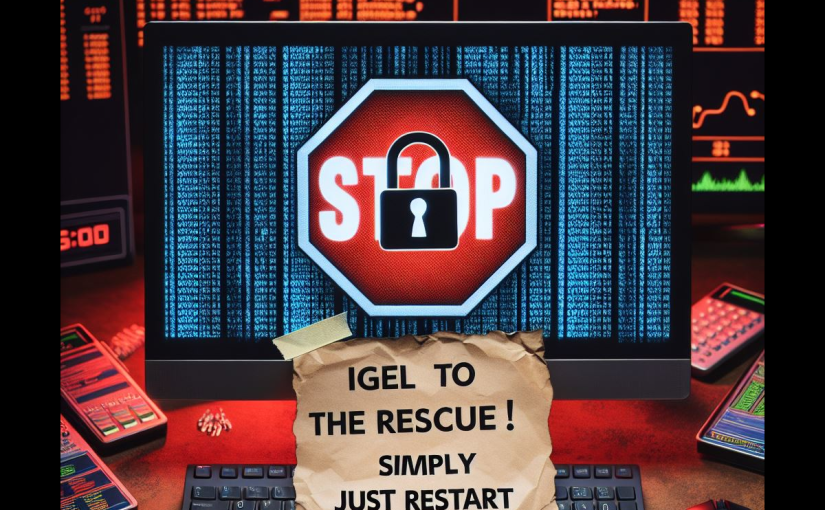
So, I think by now you get the point. Let’s look at if IGEL OS would survive a ransomware attack.
Check out the video below. It is quite lengthy, but well worth the time in my opinion.
Pay attention to what happens after i reboot my IGEL OS endpoint. How the machine selfheal the custom partition applications i had assigned, and how it allows my user to resume work after one simple power cycle of the machine.
This is why IGEL OS is write protected and why it matters!
(There are a few typos in the video, I’m aware of those, but it is what it is.)
That’s it for today! Goto www.igel.com security page to find out more information and how your organization can benefit of a edge operating system built with security top of mind!
/Fred
 VirtualBrat